- 14 Aug 2026
- Elara Crowthorne
- 0
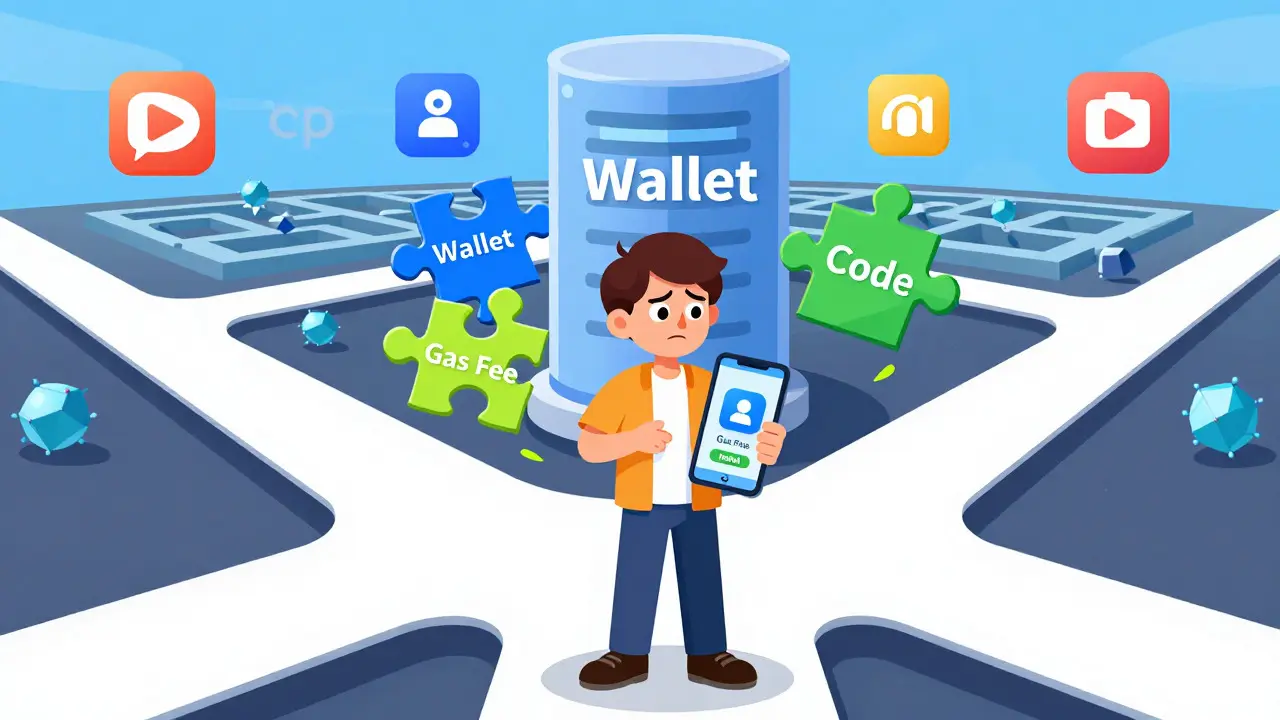
Imagine trying to use a new app on your phone, but instead of downloading it from an app store, you have to connect a digital wallet, pay a network fee, and hope the code doesn't break. That is the reality for many people stepping into the world of dApps. These decentralized applications are changing how we interact with finance, gaming, and social media, but finding and using them can feel like solving a puzzle without instructions.
If you have heard about decentralized applications (dApps) running on blockchain networks rather than centralized servers, you know they promise more security and user control. But how do you actually find one that works? And once you find it, how do you use it without losing money to high fees or errors? This guide cuts through the jargon to show you exactly where to look, what tools you need, and how to navigate these platforms safely in 2026.
What Exactly Is a dApp?
To understand why dApps are different, you first need to see how they work under the hood. A traditional app, like Facebook or Uber, runs on servers owned by a single company. If that company goes down, the service stops. A decentralized application, however, runs on a blockchain network. This means no single entity controls it. The code is open-source, meaning anyone can inspect it, and the data lives on a distributed ledger.
This structure brings two big benefits: censorship resistance and transparency. Your transactions are public and verifiable, and no central authority can easily block your access. However, this comes with trade-offs. Speed is often slower because multiple computers must agree on each transaction. User experience is also more complex because you manage your own security through private keys and wallets.
Where to Find Reliable dApps
Unlike traditional apps, there is no single "App Store" for all blockchains. You have to hunt for them across various directories and ecosystem-specific stores. Here are the most trusted places to start your search:
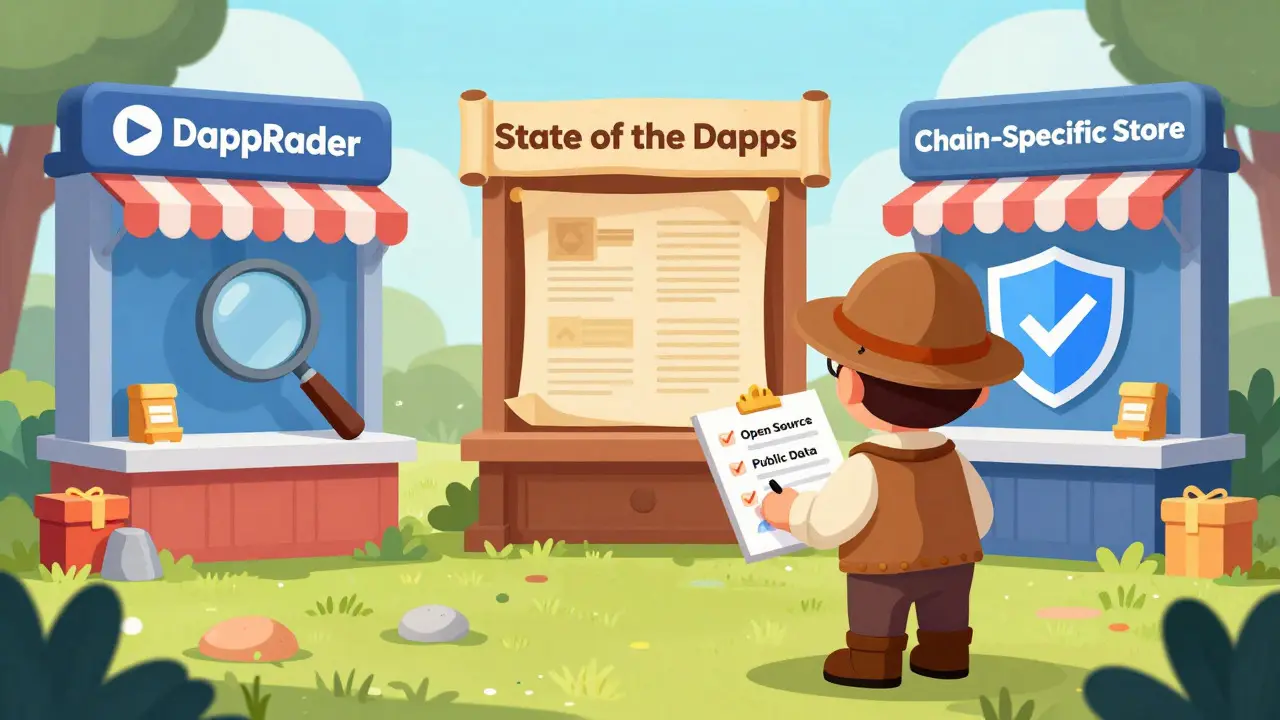
- DappRadar: This is the go-to directory for most users. It tracks thousands of active dApps across multiple chains. You can filter by category (DeFi, Gaming, NFTs) and see real-time usage stats. If an app isn't listed here, be cautious.
- State of the DApps: Launched in 2017, this platform provides detailed categorization and historical data. It’s great for researching older, established projects.
- Chain-Specific Stores: Many blockchains have their own curated lists. For example, Ethereum has ENS Apps, Polygon has Agora, and Solana has its own Dapp Store. These are often safer because the chain developers verify the links.
When evaluating a dApp, check four critical criteria: Is the code open-source? Is data stored on a public blockchain? Does it require a cryptographic token for access? Are there consensus-based mechanisms? If the answer to any of these is no, it might not be truly decentralized.
Essential Tools Before You Start
You cannot use a dApp without a few specific tools. Think of these as your entry ticket to the Web3 world. You will need:
- A Web3 Wallet: This is your identity and bank account combined. MetaMask is the most popular browser extension, used by millions. Trust Wallet and Coinbase Wallet are excellent mobile alternatives. Make sure to back up your seed phrase (12-24 words) offline. Lose it, and you lose everything.
- Cryptocurrency for Gas Fees: Every action on a blockchain costs money, known as gas. You need the native token of the network you are using. For Ethereum, that is ETH. For BNB Chain, it is BNB. Keep at least $10-$20 worth of native tokens in your wallet to cover initial transactions.
- A Compatible Browser: Most dApps run best on Chrome, Firefox, or Brave. Ensure your browser is updated to support Web3 extensions.
Step-by-Step: How to Use a dApp
Using a dApp involves a few more steps than clicking "Install." Here is the standard workflow:
- Connect Your Wallet: Go to the dApp's website. Look for a button that says "Connect Wallet." Select your wallet provider (e.g., MetaMask). A pop-up will appear asking for permission. Click "Connect."
- Approve Permissions: The dApp may ask for permission to read your balance or spend certain tokens. Read carefully. Only approve what is necessary. Over-permissioning can lead to drained wallets if the contract is malicious.
- Execute the Action: Whether you are swapping tokens, minting an NFT, or playing a game, click the action button. Your wallet will open again showing the transaction details.
- Check Gas Fees: Before confirming, look at the estimated gas fee. If it seems too high, wait for a less busy time or adjust the speed settings in your wallet.
- Confirm Transaction: Enter your password or biometric verification. The transaction will now process on the blockchain. This can take anywhere from 12 seconds to several minutes depending on network congestion.
Common Pitfalls and How to Avoid Them
New users often stumble over a few recurring issues. Knowing these in advance can save you time and money.
| Challenge | Why It Happens | Solution |
|---|---|---|
| High Gas Fees | Network congestion during peak hours | Use fee estimators like GasNow; transact during off-peak times |
| Failed Transactions | Insufficient gas limit or slippage tolerance | Set conservative slippage (0.5-1%); ensure enough native tokens |
| Wrong Network | Wallet connected to Ethereum but dApp uses Polygon | Switch network in wallet settings before connecting |
| Phishing Scams | Fake websites mimicking popular dApps | Always bookmark official sites; check URLs carefully |
Slippage is another tricky concept. It refers to the difference between the expected price of a trade and the price at which the trade is executed. For volatile assets, set slippage tolerance between 1-3%. For stablecoins, 0.5-1% is usually sufficient. Too low, and the transaction fails. Too high, and you might get a bad deal.
Security Best Practices
Since you are your own bank, security is paramount. Here are non-negotiable rules:
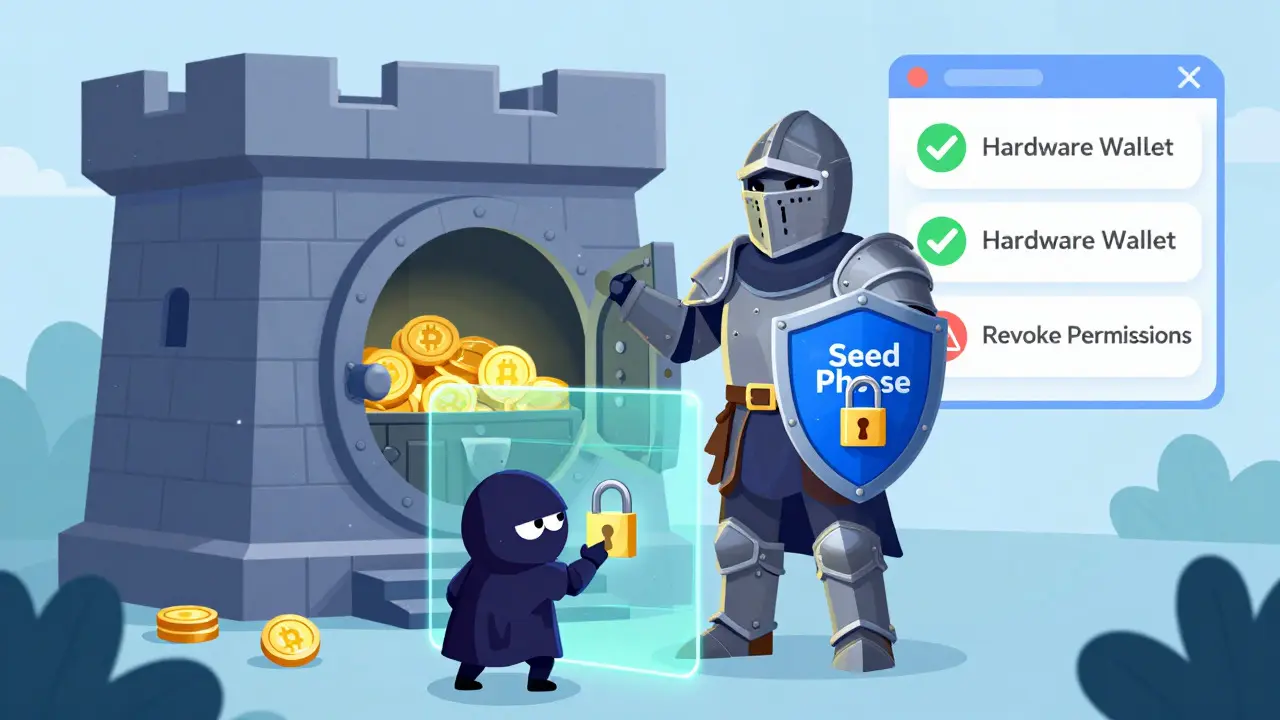
- Never Share Your Seed Phrase: No support agent, developer, or official website will ever ask for it. If they do, it is a scam.
- Use Hardware Wallets for Large Amounts: While MetaMask is convenient for daily use, keep significant funds in a hardware wallet like Ledger or Trezor.
- Revoke Unused Permissions: Regularly check which dApps have access to your wallet. Use tools like Revoke.cash to remove permissions from apps you no longer use.
- Verify Contract Addresses: Always double-check the smart contract address on official channels before interacting. Copy-pasting from random sources can lead to fake tokens.
The Future of dApp Usability
The landscape is improving rapidly. New protocols like Account Abstraction (EIP-4337) are making wallets easier to recover and gas fees simpler to handle. One-click connections are becoming standard, reducing the friction that once scared away newcomers. As regulatory frameworks like the EU's MiCA legislation clarify compliance, we expect more institutional players to enter the space, bringing better interfaces and customer support.
While dApps may still feel clunky compared to traditional apps, their benefits in ownership and transparency are unmatched. By understanding the tools and taking safety seriously, you can confidently explore this decentralized frontier.
What is the safest way to find a dApp?
The safest way is to use reputable directories like DappRadar or State of the DApps. Always cross-reference the URL with the project's official Twitter or Discord channels to avoid phishing sites. Check if the dApp has open-source code and audited smart contracts.
Do I need to buy cryptocurrency to use a dApp?
Yes, you typically need the native token of the blockchain network (like ETH for Ethereum) to pay for gas fees. Some dApps may also require specific tokens for functionality, such as governance or staking.
Why did my dApp transaction fail?
Transactions often fail due to insufficient gas fees, incorrect network selection, or slippage tolerance issues. Ensure you have enough native tokens in your wallet, are connected to the correct blockchain, and adjust slippage settings if trading volatile assets.
Is MetaMask safe to use?
MetaMask itself is secure, but it depends on how you use it. Never share your seed phrase, only connect to verified websites, and consider using a hardware wallet for larger balances. Keep the extension updated to patch security vulnerabilities.
Can I use dApps on my mobile phone?
Yes, many dApps are optimized for mobile. You can use mobile wallets like Trust Wallet or Coinbase Wallet, which have built-in browsers to access dApps directly. Alternatively, use a mobile browser that supports Web3 extensions.