- 5 Jul 2026
- Elara Crowthorne
- 0
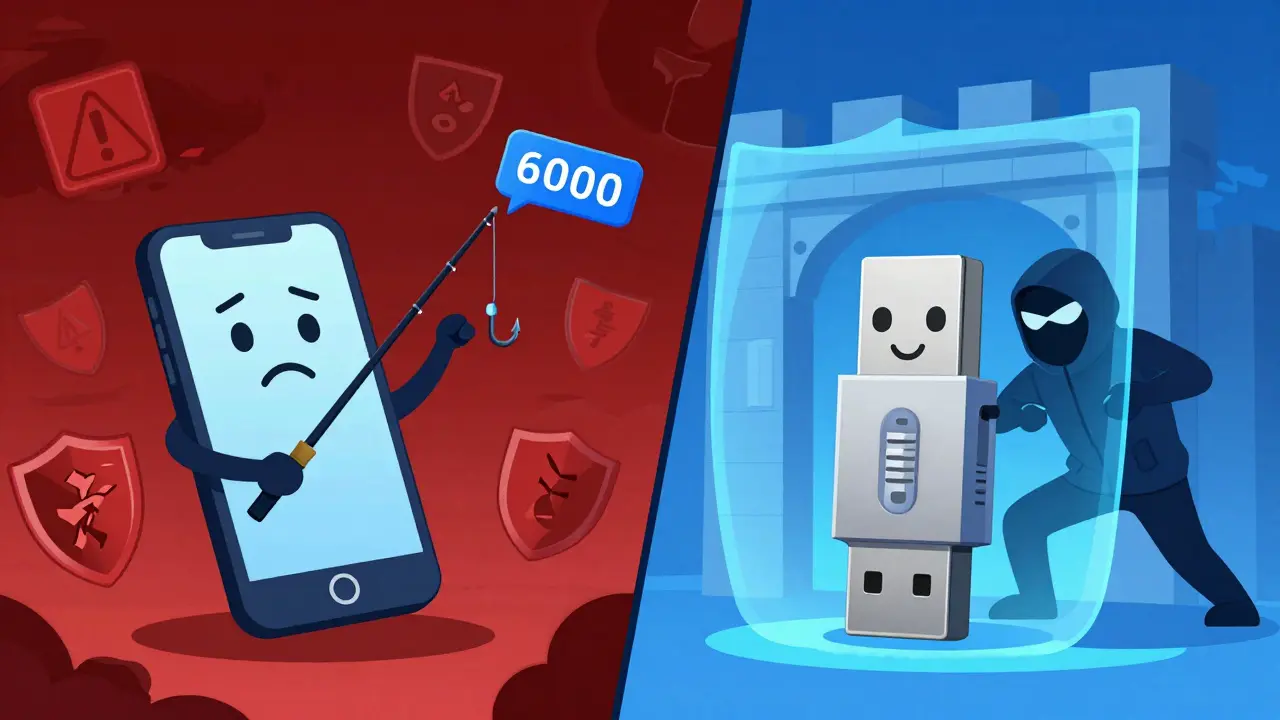
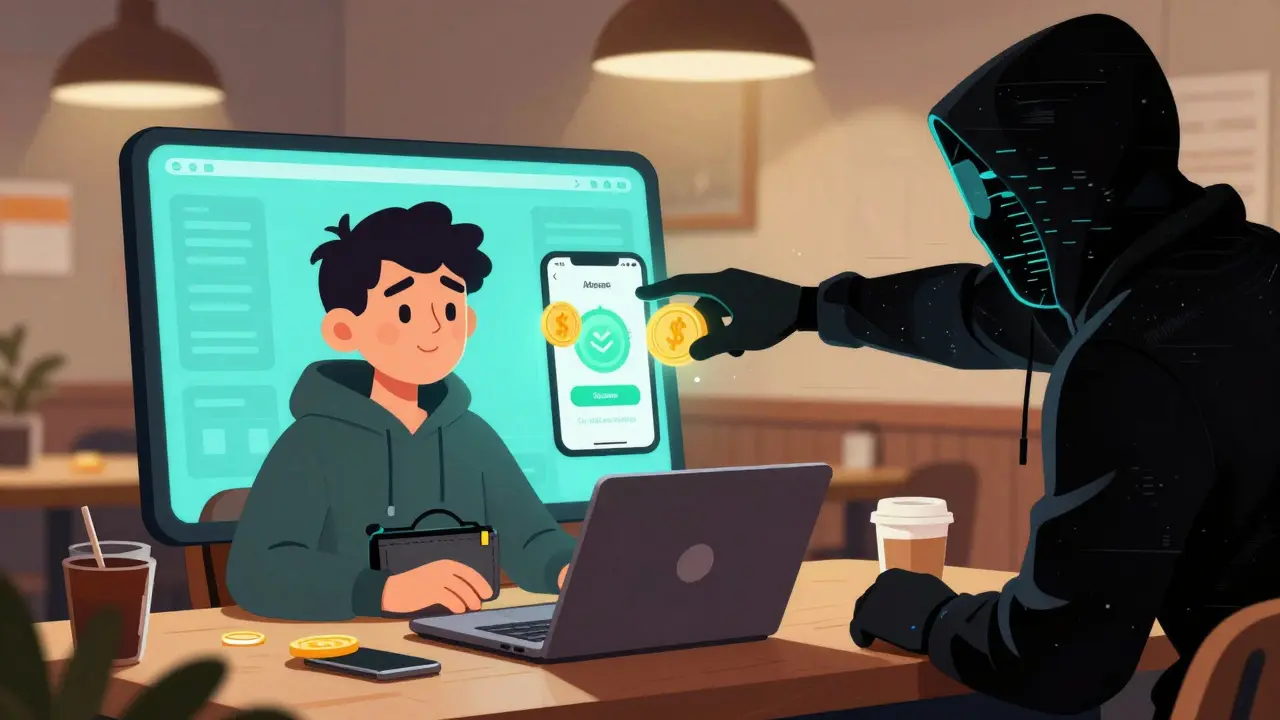
Imagine this: You’re sitting at a coffee shop in Wellington, checking your crypto portfolio. A notification pops up on your phone asking for a verification code. You type it in, and suddenly, your funds are gone. This isn’t a movie scene; it’s the reality of compromised software authenticators. While they are better than nothing, they have a critical flaw that hackers love to exploit. On the other hand, you could be holding a small USB stick-a hardware 2FA key-that makes stealing your identity virtually impossible without physically touching your device. The question is no longer whether you need two-factor authentication (2FA). It’s about which method actually keeps your digital assets safe.
The Core Difference: Physical vs. Digital Trust
To understand why one might be safer than the other, we need to look under the hood. Both methods aim to solve the same problem: proving you are who you say you are beyond just a password. But they do it in fundamentally different ways.
Software Authenticators, like Google Authenticator or Authy, rely on something called Time-Based One-Time Passwords (TOTP). When you set these up, your app and the service (like Binance or Coinbase) share a secret seed. Every 30 seconds, both sides calculate a new six-digit number based on that seed and the current time. It’s convenient because it lives on your phone. However, if malware infects your phone, or if you click a phishing link that tricks you into revealing that code, the attacker has what they need.
Hardware 2FA Keys, such as YubiKey or Feitian devices, use public-key cryptography via standards like U2F (Universal 2nd Factor) and WebAuthn. Instead of generating a code, the key signs a cryptographic challenge directly with the specific website domain. The private key never leaves the hardware device. Even if you visit a fake site that looks exactly like your exchange, the hardware key will refuse to sign the request because the domain doesn’t match. This makes them inherently phishing-resistant.
| Feature | Software Authenticators (TOTP) | Hardware 2FA Keys (U2F/WebAuthn) |
|---|---|---|
| Security Level | High (Better than SMS) | Very High (Phishing Resistant) |
| Vulnerability | Malware, Phishing, SIM Swaps | Physical Loss, Theft |
| Cost | Free | $25 - $80 per key |
| Convenience | High (Always on phone) | Medium (Must carry device) |
| Backup Difficulty | Easy (Cloud sync available) | Hard (Requires physical backup key) |
Why Phishing Breaks Software Authenticators
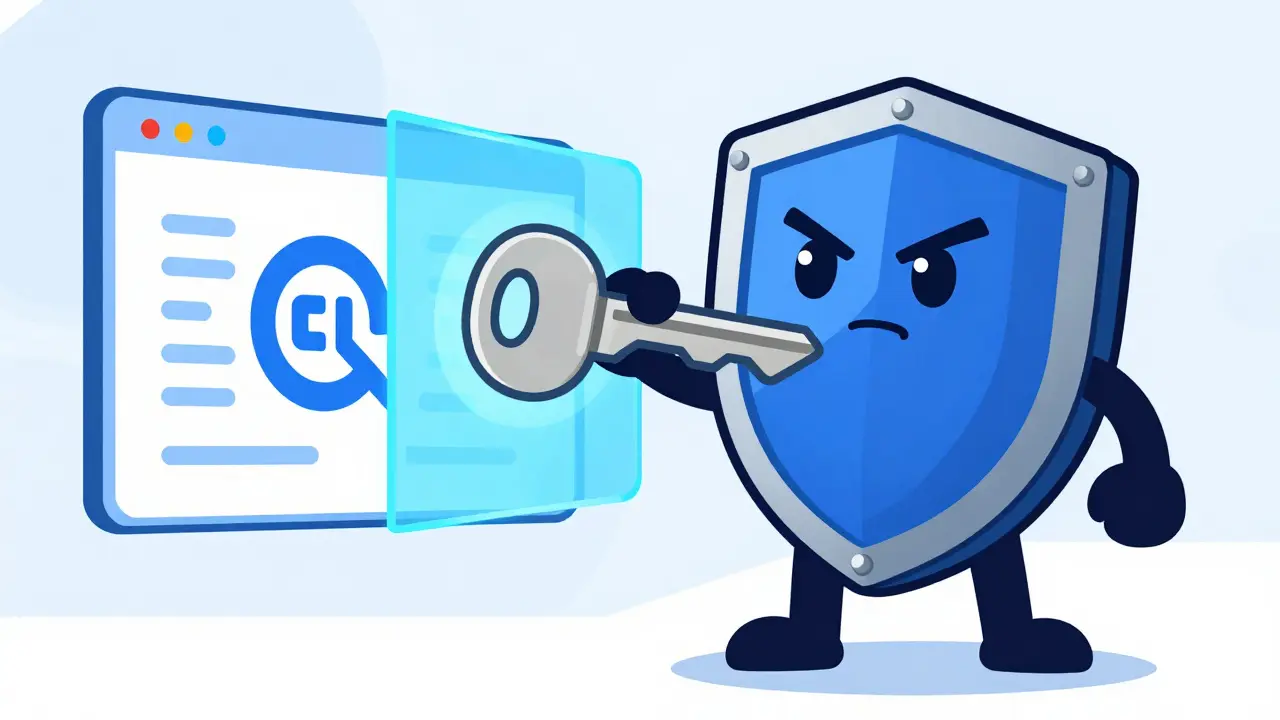
You might think, "I’m careful. I don’t click suspicious links." That’s good, but modern phishing attacks are sophisticated. Attackers create real-time proxies of legitimate login pages. When you enter your username and password on the fake site, the attacker forwards those credentials to the real site. Then, the fake site prompts you for a 2FA code. If you type in the code from your Google Authenticator, the attacker immediately uses it on the real site to log in. Because TOTP codes are valid for 30-60 seconds, there is often enough time for this relay attack to succeed.
Hardware keys prevent this entirely. The WebAuthn protocol binds the authentication attempt to the specific domain name. If you are on `binance.com`, the key works. If you are on `binanc-e-security-update.com`, the key does nothing. No code is generated, no signature is sent. The attack fails instantly. For anyone holding significant cryptocurrency, this distinction is the difference between peace of mind and total loss.
The Convenience Trap: Why We Stick to Apps
If hardware keys are so secure, why aren’t everyone using them? The answer is friction. Human beings hate inconvenience. Setting up a software authenticator takes two minutes: download the app, scan a QR code, done. You can even back up your secrets to the cloud (with services like Authy or Microsoft Authenticator), meaning if you lose your phone, you can recover access on a new device quickly.
Hardware keys require planning. You need to buy the device. You need to plug it in or tap it every time you log in. And here is the big one: if you lose your hardware key, you are locked out until you can verify your identity through other means, which can take days with some exchanges. Most experts recommend buying two keys-one for daily use and one stored in a fireproof safe. This adds cost and complexity that many casual users find overwhelming.
Cost Analysis: Is It Worth the Investment?
Let’s talk numbers. A basic YubiKey 5 NFC costs around $55 USD. A budget option like the Titan Security Key might cost $25. Compare that to free apps. For a user with a few dollars in their account, spending $50 on security seems irrational. But consider the value of what you are protecting.
In the world of blockchain, transactions are irreversible. There is no bank to call to reverse a fraudulent transfer. If an attacker compromises your email account (which often serves as the recovery method for your exchange account) via a phished TOTP code, they can reset your exchange password and drain your wallet. The potential loss is not just the money in the exchange; it’s the entire chain of custody for your digital identity. For high-net-worth individuals or businesses, the ROI on a $50 key is infinite compared to the risk of losing thousands or millions.
Implementation Guide: How to Set Up Proper Protection
Whether you choose software, hardware, or both, implementation matters. Here is how to do it right.
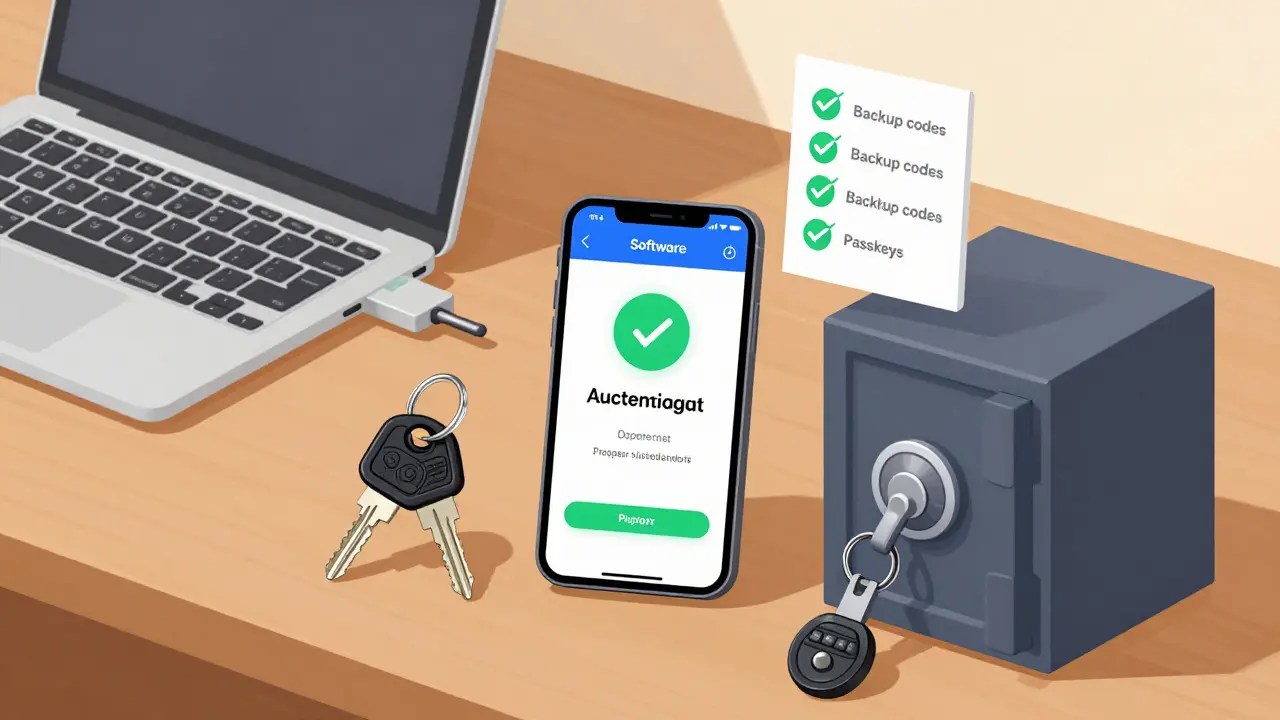
- Start with Software: Enable TOTP on all major accounts (email, crypto exchanges, banking) immediately. Use an app like Microsoft Authenticator or Authy that offers encrypted backups. Never store screenshots of QR codes in your photo gallery.
- Add Hardware for Critical Accounts: Purchase a reputable hardware key (Yubico, Google Titan, or SoloKeys). Register it on your primary email provider first. This is your root of trust. If someone steals your email, they can reset everything else.
- Enable Passkeys: Modern browsers support passkeys, which combine the convenience of biometrics (FaceID/TouchID) with the security of hardware-backed keys. Where possible, switch from passwords + TOTP to Passkeys.
- Create Backup Plans: Print out backup codes provided during setup and store them offline. If using a hardware key, register a second key as a backup. Label them clearly.
The Future: Convergence of Security and Ease
We are moving toward a hybrid future. Apple and Android are integrating security key functionality directly into smartphones via NFC and Bluetooth. This means your phone itself becomes a phishing-resistant hardware token when used with WebAuthn. Additionally, FIDO Alliance standards are pushing for wider adoption of passwordless authentication.
However, until every service supports WebAuthn natively, relying solely on software authenticators remains a calculated risk. The gap between "good enough" and "secure" is where most crypto losses happen. By understanding the limitations of TOTP and the strengths of hardware keys, you can build a defense strategy that matches your risk tolerance.
Can hardware 2FA keys be hacked remotely?
No. Hardware keys like YubiKey use tamper-resistant chips that perform cryptographic operations internally. The private key never leaves the device, making remote hacking virtually impossible. They are also immune to phishing because they only respond to requests from the exact registered domain.
What happens if I lose my hardware 2FA key?
You will be locked out of any accounts that require that specific key for login. To mitigate this, always register at least two hardware keys with your critical accounts. Keep one for daily use and store the backup in a secure location. Many services also provide backup codes during setup; keep these safe.
Is Google Authenticator safe for crypto wallets?
It is significantly safer than SMS verification, but it is not foolproof. Google Authenticator generates TOTP codes which can be intercepted via phishing attacks or malware on your device. For high-value crypto holdings, pairing it with a hardware key or using a hardware wallet with built-in 2FA is recommended.
Do I need a separate hardware key for every account?
No. A single hardware key can be registered with hundreds of different services. Each service gets a unique key pair associated with that key, so compromising one account does not affect others. Just ensure you have a backup key in case the primary one is lost or damaged.
Which hardware 2FA key is best for beginners?
The YubiKey 5 Series is widely considered the gold standard due to its compatibility with multiple protocols (USB-C, Lightning, NFC, Bluetooth). For budget-conscious users, the Google Titan Security Key or SoloKey offer excellent security at a lower price point, though with fewer connectivity options.