
- 5 Jul 2026
- Elara Crowthorne
- 17
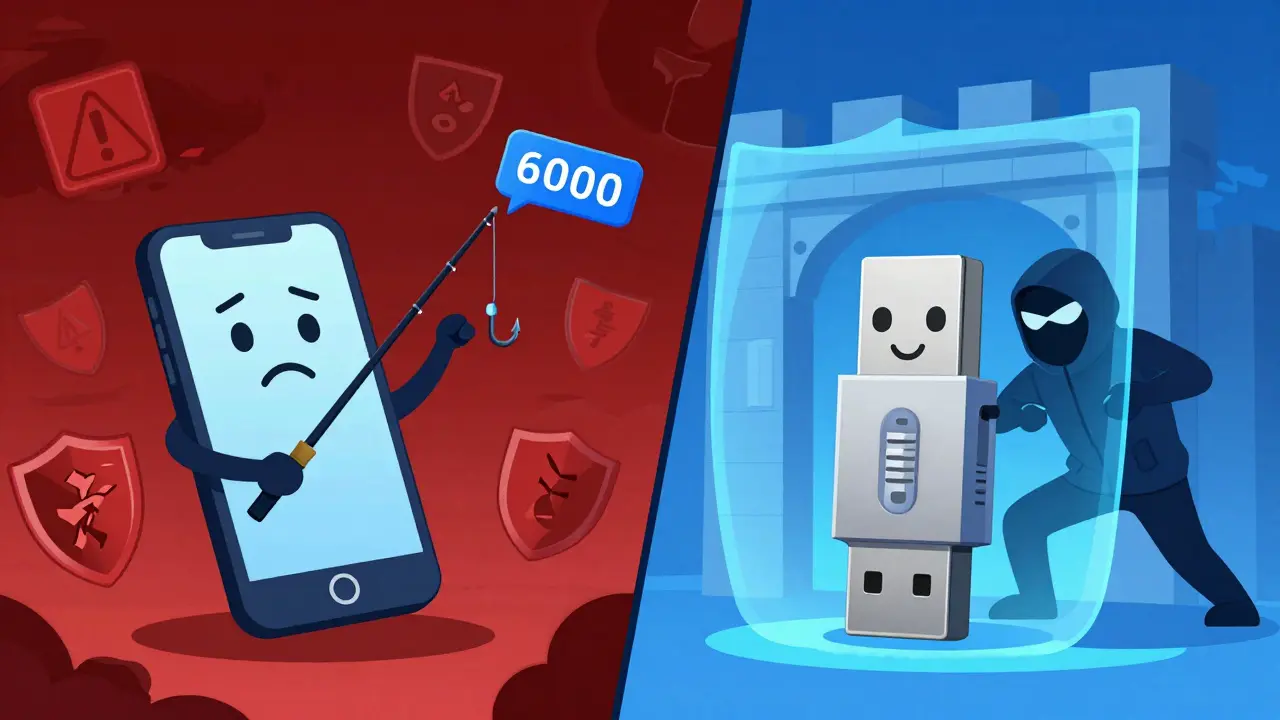
You’ve got your private keys backed up. You’re using a cold wallet for the big stuff. But are you actually safe from someone stealing your account credentials? If you’re relying on SMS codes or even just a standard app to log in, the answer might be no. In the world of blockchain and digital assets, the battle between hardware 2FA keys and software authenticators isn’t just about convenience-it’s about whether an attacker can bypass your defenses entirely.
I’ve spent years testing these tools here in Wellington, watching how they hold up against phishing attempts and device thefts. The truth is, while software apps like Google Authenticator are better than nothing, they have a fatal flaw that hardware keys solve completely. Let’s break down exactly why one method leaves you exposed and the other locks the door tight.
The Core Difference: Math vs. Physics
To understand why hardware keys are superior for high-value accounts, you need to look at the math behind them. Most people think all two-factor authentication (2FA) works the same way, but the underlying technology creates a massive gap in security.
Software authenticators, such as Google Authenticator or Authy, use a protocol called Time-Based One-Time Password (TOTP). This system relies on symmetric cryptography. When you set it up, your phone and the service share a secret key. Every 30 seconds, both sides run a calculation based on that shared secret and the current time to generate a six-digit code. It’s convenient, but if a hacker gets access to your phone’s memory-or tricks you into scanning a malicious QR code-they can steal that secret key and generate codes forever.
Hardware 2FA keys, like the popular YubiKey, operate differently. They use public-key cryptography via standards like Universal 2nd Factor (U2F) or its successor, WebAuthn. Instead of sharing a secret, the key generates a unique pair of keys for each website. The private key stays locked inside the physical device and never leaves it. To log in, you must physically touch the device. This means there is no code to intercept and no secret to steal remotely.
The difference is simple: Software authenticators protect against password guessing. Hardware keys protect against identity theft.
Why Phishing Kills Software Authenticators
This is the part that keeps security experts awake at night. Imagine you receive an email that looks exactly like it’s from Coinbase or Binance. It says your account has been compromised and asks you to verify your identity immediately. You click the link, enter your username and password, and then open your software authenticator app to type in the 6-digit code.
If you’re using a software authenticator, you’ve likely just given the attacker full access. Why? Because the fake website forwards your credentials and that 6-digit code to the real site in real-time. The code is valid for 30 seconds, and the attacker uses it instantly. You get a "success" message on the fake site, thinking you secured your account, while the thief walks away with your funds.
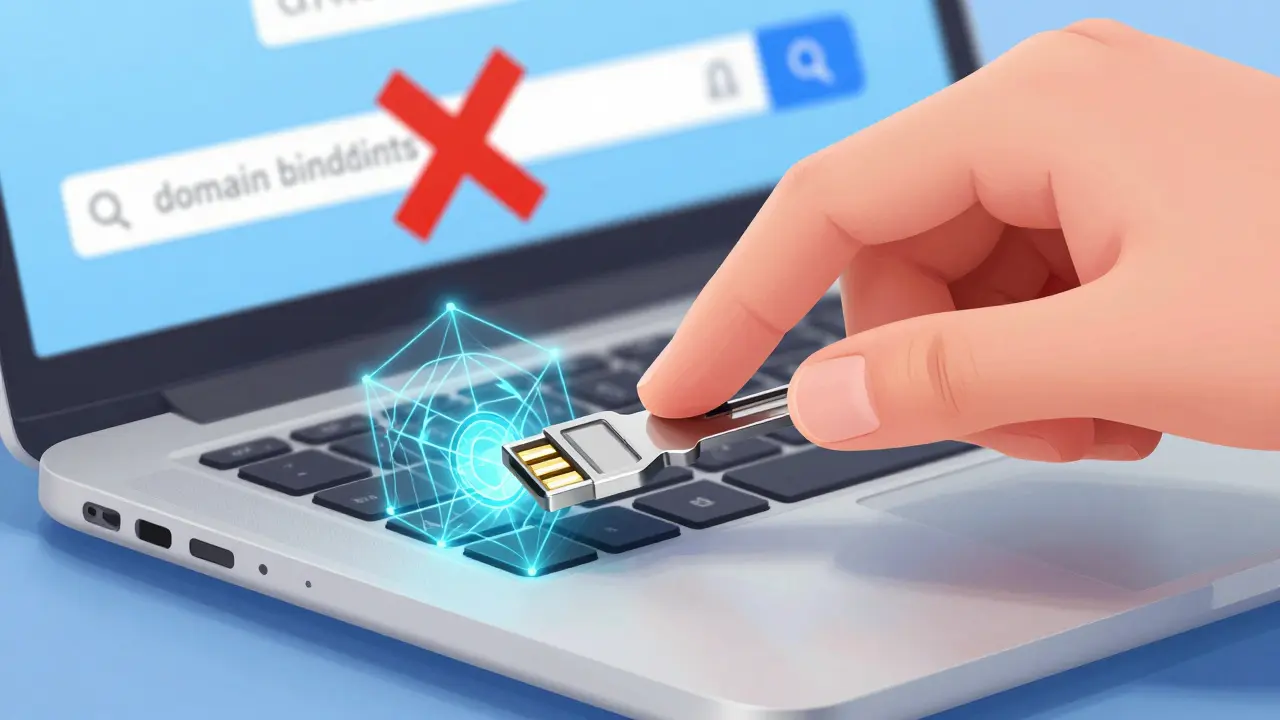
Hardware keys prevent this because of something called domain binding. When you plug in a hardware key, it checks the URL of the website you’re on. If you’re on `coinbase.com`, the key signs the request. If you’re on `coinbase-secure-login.net` (the phishing site), the key refuses to work. It literally cannot authenticate on the wrong domain. There is no code to copy-paste; the cryptographic handshake happens directly between the browser and the hardware.
Convenience vs. Security: The Real Trade-off
I’m not saying software authenticators are useless. For low-stakes accounts-like a forum login or a newsletter subscription-they are fine. They are free, easy to set up, and you always have your phone. But for your primary crypto exchange account, email, or cloud storage, the trade-off matters.
| Feature | Software Authenticator (TOTP) | Hardware Key (U2F/WebAuthn) |
|---|---|---|
| Phishing Resistance | Low (Codes can be intercepted) | High (Domain-bound cryptography) |
| Remote Hacking Risk | Medium (Malware/Sim-swapping) | Negligible (Requires physical access) |
| Cost | Free | $25 - $80 per key |
| Setup Complexity | Easy (Scan QR code) | Moderate (Plug & Tap) |
| Backup Options | Cloud sync (some apps) | Physical backup key required |
The biggest complaint about hardware keys is losing them. If you drop your YubiKey in the ocean, you’re locked out unless you have a backup. Software apps let you export codes or sync them to the cloud, which is convenient but risky if your cloud account is hacked. You have to decide: do you want the ease of digital recovery, or the certainty of physical isolation?
Setting Up Hardware Keys for Crypto Accounts
If you decide to make the switch, here is how to do it properly. Don’t just buy one key and register it. That’s a single point of failure.
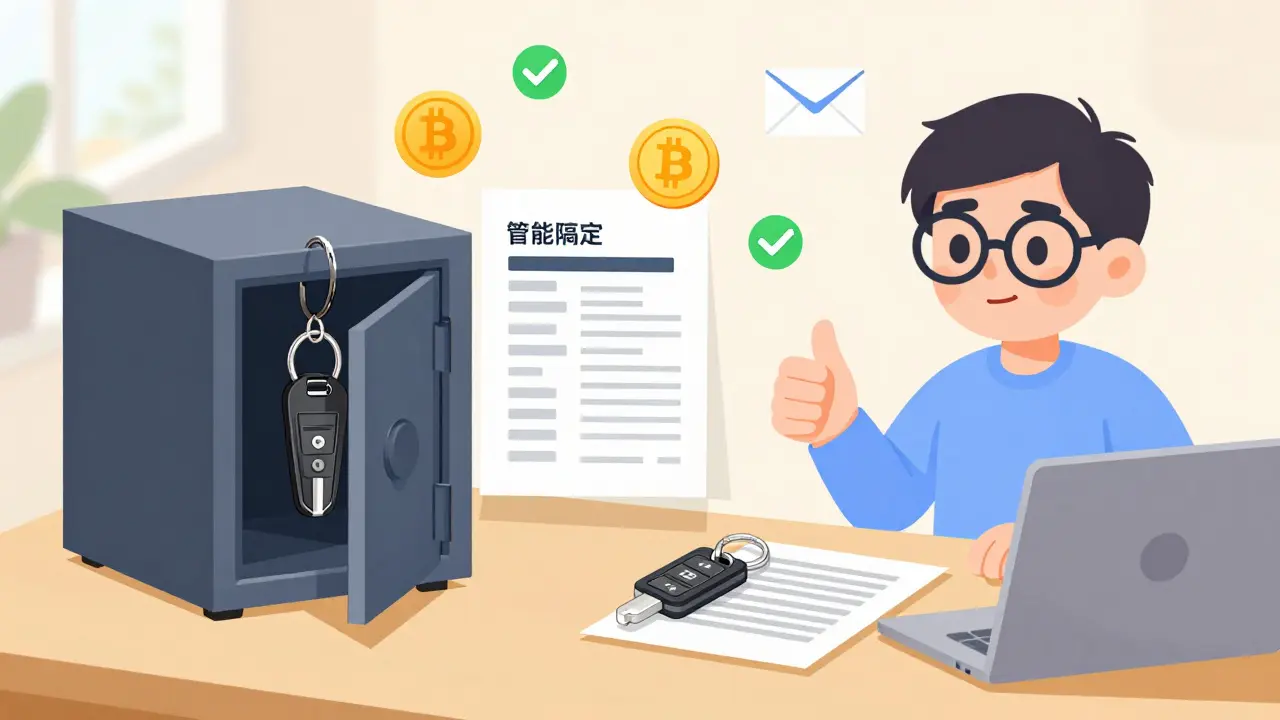
- Buy Two Keys: Purchase two identical hardware keys. Register the first one as your primary factor. Register the second one as a backup. Keep the backup in a safe place, like a fireproof box or a safety deposit box.
- Check Compatibility: Ensure your exchange supports FIDO2 or WebAuthn. Major platforms like Coinbase, Kraken, and Ledger Live support this. Some older platforms only support U2F, which still works but is less feature-rich.
- Disable SMS: Once your hardware key is active, remove SMS verification. SIM swapping is a common attack vector where criminals port your phone number to their own device. Hardware keys make SMS obsolete.
- Test Recovery: Log out. Try to log in with just your password. It should fail. Plug in the key. It should succeed. Then, try logging in with the backup key. Verify it works before you put it away.
For mobile users, many modern phones support NFC-based hardware keys. You can tap the key against the back of your iPhone or Android device to authenticate. This bridges the gap between desktop security and mobile convenience.
What About Passkeys?
You might have heard about "Passkeys" replacing passwords. This is actually a form of hardware-backed authentication built into your devices. When you use Face ID or Touch ID to log in to a service that supports passkeys, your phone is acting like a hardware key. The private key is stored in the Secure Enclave of your chip, not in the general memory.
Passkeys are a great middle ground. They offer phishing resistance similar to dedicated hardware keys but without carrying a separate dongle. However, for maximum security, especially when traveling or using public computers, a dedicated USB/NFC hardware key remains the gold standard because it is isolated from the operating system entirely.
Common Pitfalls to Avoid
Even with hardware keys, users make mistakes. Here are three things I see regularly:
- Ignoring Backup Codes: Always print out the emergency backup codes provided by the service when you enable 2FA. Store them offline. If you lose both keys, these are your only way in.
- Using Cheap Clones: Stick to reputable brands like Yubico, Feitian, or SoloKeys. Cheap knockoffs may not implement the cryptographic protocols correctly, leaving you vulnerable to side-channel attacks.
- Mixing Protocols: Don’t use a hardware key for one account and SMS for another. Consistency builds habit. If you start mixing methods, you’ll forget which account uses what, leading to panic during lockouts.
The cost of a hardware key is roughly the price of a nice dinner. The cost of recovering a hacked crypto account is often total loss. Do the math.
Can I use my hardware key on my phone?
Yes, most modern smartphones support NFC-enabled hardware keys. You simply tap the key against the back of your phone. For iPhones, you can also use Lightning or USB-C adapters depending on your model. Android devices generally support USB-C and NFC natively.
Is Google Authenticator secure enough for crypto?
It is significantly more secure than SMS, but it is not immune to phishing. If you visit a fake website, Google Authenticator will still generate a valid code that the attacker can use. For high-value crypto accounts, hardware keys are recommended because they block phishing attempts automatically.
What happens if I lose my hardware key?
You will be locked out of your account unless you have a backup method enabled. Always register a second hardware key as a backup. Additionally, save the emergency recovery codes provided during setup in a secure, offline location.
Do hardware keys work with all websites?
No, not all websites support FIDO2 or U2F standards. However, most major financial institutions, email providers (like Gmail and ProtonMail), and crypto exchanges do. For sites that don't support hardware keys, you can still use them as TOTP generators if the key supports that feature (many modern keys do).
Are hardware keys expensive?
Entry-level hardware keys typically cost between $25 and $50 USD. More advanced models with Bluetooth or additional features can cost up to $100. Considering the value of the assets they protect, this is a minimal investment.

17 Comments
Passkeys are the real future, not dongles.
I must respectfully disagree with the notion that hardware keys are the only viable solution for high-value assets. While I acknowledge the superior cryptographic properties of FIDO2 and WebAuthn standards, one must consider the practical implications of physical loss or damage to such devices. The convenience factor of software authenticators, particularly those that offer cloud synchronization features like Authy, cannot be entirely dismissed when evaluating the overall security posture of an individual user who may not possess advanced technical knowledge. Furthermore, the cost barrier, although relatively low, still presents a hurdle for widespread adoption among less affluent demographics who are equally vulnerable to cyber threats. It is imperative that we continue to advocate for improved security measures within software-based solutions rather than solely relying on hardware dependencies which introduce their own set of logistical challenges regarding backup and recovery protocols in emergency situations where immediate access is required without the presence of the physical token.
Oh please. If you can't afford a $25 YubiKey, you probably shouldn't be holding crypto anyway. :P
U mad bro? 😡 Your elitist take is showing. Not everyone has spare cash for gadgets while paying rent. 🤡
The article misses the point about SIM swapping being the bigger threat for most people. Hardware keys don't help if your email is compromised via social engineering before you even get to the 2FA step. You need layered security, not just a magic wand device.
I have to strongly object to the casual dismissal of software authenticators as merely 'better than nothing.' This perspective is dangerously reductive and ignores the significant advancements in mobile security architectures over the past decade. Modern smartphones, equipped with secure enclaves and biometric authentication, provide a level of protection that is statistically sufficient for the vast majority of users. To suggest otherwise is to foster unnecessary anxiety and promote consumerism under the guise of security. Moreover, the assertion that phishing kills software authenticators overlooks the fact that hardware keys are also susceptible to sophisticated man-in-the-middle attacks if the user is not vigilant about verifying URLs manually, albeit the key provides an additional layer of friction. We must approach this topic with nuance and recognize that risk tolerance varies significantly among individuals; what constitutes adequate security for a institutional investor differs vastly from that of a casual retail trader. Therefore, promoting a one-size-fits-all solution is both impractical and potentially harmful to public understanding of cybersecurity principles.
look, its all about the entropy pool really. most folks dont get it. they think buying a plastic stick makes them unhackable. lol. its a mindset thing mostly. if u r paranoid, buy the key. if u r chill, use the app. but dont lie to urslef about the 'security'. its theater.
This whole debate is so toxic! 😭 Why can't we just agree that safety matters? I lost my phone once and nearly cried myself to sleep because I couldn't access my accounts! 😢 Please stop fighting and just protect yourselves! ❤️
Actually, the aesthetic of the Space Gray YubiKey complements my MacBook Pro perfectly. 😍 It’s not just security; it’s a lifestyle choice for the discerning digital citizen. ✨
When we look at the nature of trust in digital systems, we see that it is often misplaced in technology rather than human behavior. The hardware key is a symbol of our desire for absolute certainty in an uncertain world. However, the true vulnerability lies in the human element, which remains constant regardless of the tool used. We must ask ourselves if we are securing our data or merely comforting our anxieties. The journey to security is internal as much as it is external. Understanding this balance is crucial for anyone navigating the complex landscape of modern finance and identity management in today's interconnected society.
I’ve been using TOTP for years and never had an issue, but after reading this, I realize how lucky I’ve been. The explanation about domain binding was eye-opening. I’m going to order two keys tomorrow. One for daily use and one for the safe. Thanks for breaking down the technical details without making it too dense.
That sounds like a very sensible plan! 😊 It is always better to be prepared for the worst-case scenarios. I hope your transition goes smoothly! 🌟
The average user here doesn't understand the difference between symmetric and asymmetric cryptography. They just want to click buttons. Hardware keys force a physical interaction that breaks the automation scripts used by botnets. It's trivial for those who know, but revolutionary for the masses.
i mean if ur gonna hold millions in crypto u should probally do it right. but for me? nah. i just use google auth. its fine. dont stress so much ppl.
You're absolutely right that it depends on the amount! 😊 Don't let anyone make you feel bad for doing what works for you! Security is important, but peace of mind is too! 💖
A well-reasoned analysis of the trade-offs. I appreciate the clear distinction between protecting against password guessing versus identity theft. This clarity helps in making informed decisions based on individual risk profiles.
The reliance on TOTP is a systemic failure in enterprise security postures. Organizations need to enforce FIDO2 mandates immediately. The latency introduced by hardware tokens is negligible compared to the RTO/RPO implications of a credential stuffing attack bypassing weak 2FA implementations.