- 3 Jul 2026
- Elara Crowthorne
- 0
You have a strong password. You use a unique phrase that no one else knows. But in the world of cryptocurrency, that single layer of defense is like leaving your front door unlocked while hoping the burglar doesn't notice. Because crypto transactions are irreversible and decentralized, there is no bank manager to call when someone steals your funds. This is why two-factor authentication (2FA) isn't just a suggestion-it is the absolute baseline for keeping your digital assets safe.
If you hold Bitcoin, Ethereum, or any other digital asset, understanding how 2FA works-and which type you should use-is the difference between sleeping soundly and waking up to an empty wallet. Let’s break down exactly why this matters and how to set it up correctly without getting locked out yourself.
The High Cost of Skipping the Second Step
To understand why 2FA is non-negotiable, you first need to look at what happens when it’s missing. In traditional banking, if someone steals your credit card details, you can dispute the charge. The bank reverses the transaction. In crypto, once the blockchain confirms a transfer, it is gone forever. There is no "undo" button.
This reality was driven home by the collapse of Mt. Gox in February 2014. The exchange lost approximately 850,000 BTC-worth about $450 million at the time-largely due to weak security practices that lacked robust multi-layered verification. Since then, the industry has shifted dramatically. According to data from Ndax.io in March 2024, 92% of the top 50 cryptocurrency exchanges now require 2FA as a minimum standard. Platforms like Binance, Coinbase, Kraken, and Bitstamp don’t just recommend it; they mandate it for account actions like withdrawals.
The core value of 2FA is simple: it adds a critical barrier. Even if a hacker guesses your password or steals it through a data breach, they still cannot access your account without that second piece of evidence. It turns a simple lock into a deadbolt that requires a key you physically possess.
How Two-Factor Authentication Actually Works
At its heart, 2FA relies on three types of proof:
- Something you know: Your password or PIN.
- Something you have: Your mobile phone, a hardware token, or a specific device.
- Something you are: Biometric data like your fingerprint or face scan.
Most crypto platforms combine the first two. When you log in, you enter your password. Then, the system asks for a code generated by an app or sent to your phone. This ensures that knowing your password isn't enough-you also need physical access to your device.
The most common technical implementation uses Time-based One-Time Passwords (TOTP). Apps like Google Authenticator, Authy, or Microsoft Authenticator generate a 6-digit code that changes every 30 seconds. These codes are created locally on your device based on a shared secret key and the current time. They do not rely on internet connectivity to generate the number, making them faster and more reliable than SMS codes during network outages.
Choosing the Right Method: App vs. Hardware vs. SMS
Not all 2FA methods are created equal. In fact, some are actively dangerous. Here is how the main options stack up against real-world threats.
| Method | Security Level | Key Vulnerability | Best For |
|---|---|---|---|
| Authenticator Apps (TOTP) | High | Device loss, malware on phone | Most users, daily trading |
| Hardware Tokens (YubiKey) | Very High | Losing the physical key | High-value holdings, cold storage |
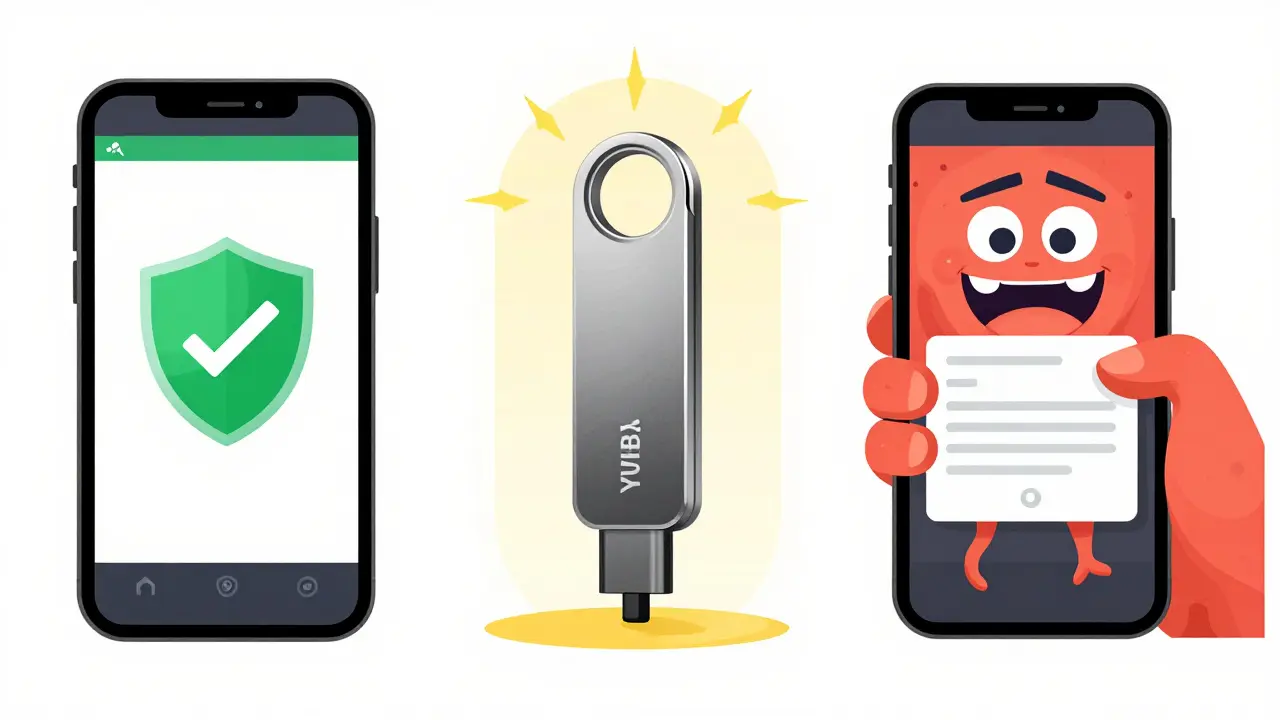
| SMS Verification | Low | SIM swapping, interception | Emergency backup only |
Authenticator Apps offer the best balance of security and convenience. A 2023 analysis by Crypto.com found that app-based 2FA provides 98.7% protection against account takeovers. They work offline and are resistant to remote hacking attempts. However, if your phone is stolen and unlocked, a sophisticated attacker could potentially access the codes.
Hardware Tokens, such as YubiKey or Ledger Nano devices, provide the highest level of security. Yubico reports that their hardware tokens prevent 100% of remote phishing attacks because the token must be physically plugged into the computer or tapped via NFC. Kraken’s security team documented zero successful breaches of accounts using YubiKey authentication in their 2023 annual report. If you hold significant wealth, this is the gold standard.
SMS-Based 2FA is widely available but dangerously flawed. The Federal Trade Commission documented a 1,100% increase in SIM-swap attacks targeting cryptocurrency holders between 2018 and 2022. In these attacks, hackers convince your mobile carrier to port your phone number to a new SIM card under their control. Once they have your number, they intercept your 2FA codes. The FBI’s Internet Crime Complaint Center reported 2,347 cryptocurrency-related SIM swap incidents in 2023 alone, resulting in roughly $74.2 million in losses. Avoid SMS 2FA for any account holding substantial value.
The Hidden Risk: Getting Locked Out
While 2FA protects you from hackers, it can also protect your account from you. Losing access to your second factor is the most common support issue for crypto exchanges. Coinbase’s 2023 security report noted that 18.7% of account recovery requests involved users losing access to their 2FA device. Binance reported that device changes accounted for 62% of all 2FA-related support tickets in 2023.
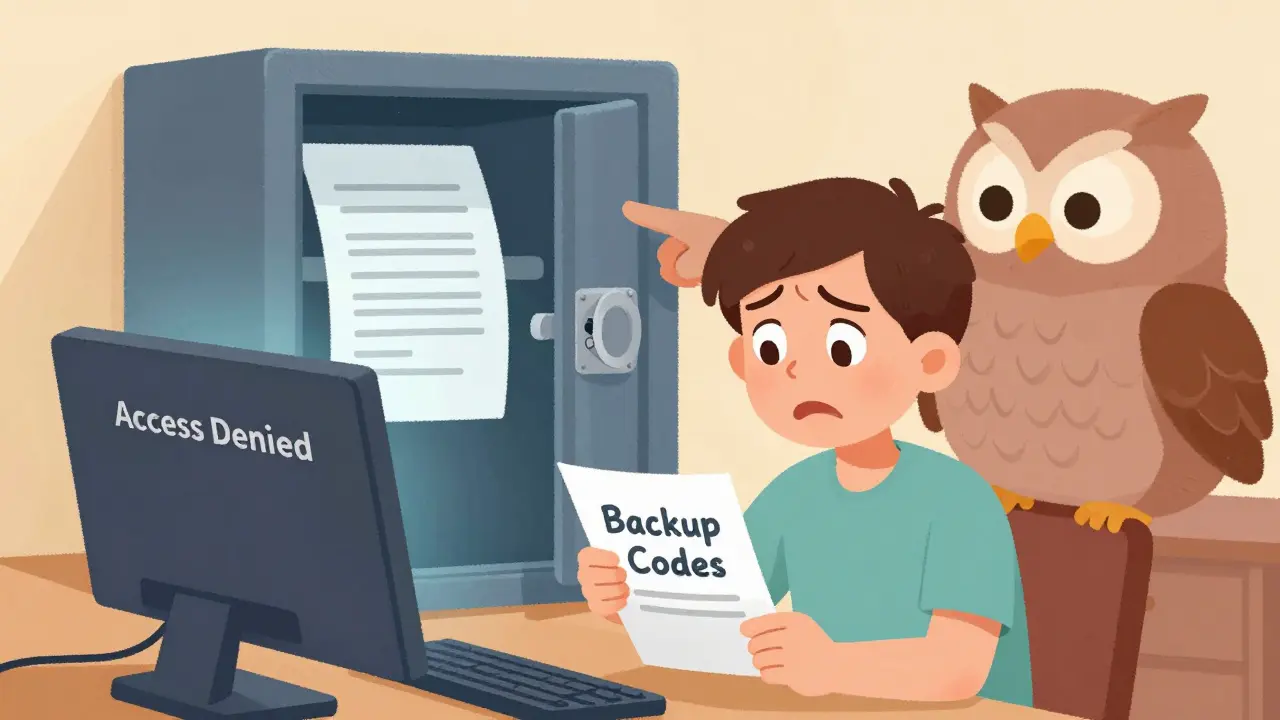
This creates a paradox: the stronger your security, the harder it is to recover if you make a mistake. To mitigate this, you must treat your recovery codes with the same seriousness as your private keys.
- Print and Store Physically: When you enable 2FA, the platform will give you a list of backup codes. Print these out and store them in a fireproof safe or a secure location separate from your computer.
- Avoid Digital Storage: Do not save these codes in a text file on your desktop or in an email draft. If your computer is compromised, hackers will look for these files first.
- Use Cross-Platform Apps: Consider using an authenticator app like Authy that syncs across devices securely. If you switch phones, you won’t lose your codes.
If you lose both your primary 2FA method and your backup codes, most exchanges will require extensive identity verification, including government ID and video selfies, which can take weeks. In some cases, access may never be restored.
Advanced Threats: Phishing and Session Hijacking
Even with 2FA, you are not invincible. Sophisticated attackers use tools like Evilginx 3.0, a proxy server that can bypass even app-based 2FA. Here is how it works: You click a link that looks like your exchange’s login page. You enter your password and then your 2FA code. The malicious site captures both and instantly logs into the real site on the attacker’s end, stealing the session cookie. Now they are logged in without needing your 2FA again.
Dr. Steven Murdoch, a cybersecurity researcher at University College London, warned in 2023 that these real-time session hijacking attacks necessitate layered security approaches. To defend against this:
- Bookmark Official Sites: Never click links in emails or texts to log in. Always type the URL manually or use a saved bookmark.
- Enable Anti-Phishing Codes: Some exchanges allow you to set a custom word that appears on every legitimate email they send you.
- Use Passkeys: Emerging technology like FIDO2/WebAuthn passkeys is becoming available on major platforms like Coinbase. Passkeys use public-key cryptography and are immune to phishing because the cryptographic challenge is tied to the specific domain name. Preliminary data from Coinbase showed a 43% reduction in account recovery requests after introducing passkey support in April 2024.
Setting Up 2FA Correctly: A Step-by-Step Guide
Setting up 2FA takes less than three minutes but saves hours of panic later. Here is the standard process for enabling it on most exchanges:
- Log in to your account settings. Look for sections labeled "Security," "Account Safety," or "Login Settings."
- Select "Two-Factor Authentication" or "2FA."
- Choose your method. Select "Authenticator App" or "Hardware Token." Avoid SMS if possible.
- Scan the QR code. Open your authenticator app (e.g., Google Authenticator) and scan the QR code displayed on the screen. Alternatively, manually enter the secret key if scanning fails.
- Verify the code. Enter the 6-digit code generated by the app into the website to confirm it is working.
- Save your backup codes. The site will display a list of one-time-use backup codes. Write them down or print them immediately. Do not proceed until you have secured these.
Ndax.io’s 2023 user study found that 34.7% of users aged 55+ required assistance setting up authenticator app 2FA. If you are helping an older family member set this up, walk them through each step slowly and ensure they understand where their backup codes are stored.
The Future of Crypto Authentication
The landscape of digital security is evolving. Regulatory frameworks like the EU’s MiCA framework, effective December 2024, mandate "strong customer authentication" equivalent to 2FA for all service providers. Meanwhile, the rise of quantum computing poses a long-term threat to current cryptographic standards. NIST’s Post-Quantum Cryptography standardization process aims to address this by 2024-2025, which will eventually influence next-generation 2FA solutions.
For now, however, the fundamentals remain unchanged. Layered authentication is the most effective, accessible measure for protecting your assets. As Dr. Ari Juels, Chief Scientist at Chainlink Labs, stated in 2023, "2FA represents the minimum viable security posture for cryptocurrency holders."
Don’t wait for a breach to act. Enable 2FA today, choose a method stronger than SMS, and keep your backup codes safe. Your future self will thank you.
Is SMS 2FA safe for cryptocurrency accounts?
No, SMS 2FA is considered unsafe for high-value crypto accounts. It is vulnerable to SIM-swapping attacks, where hackers trick your mobile carrier into transferring your phone number to their device. The FBI reported over 2,300 crypto-related SIM swap incidents in 2023. Use an authenticator app or hardware token instead.
What should I do if I lose my 2FA backup codes?
If you lose your backup codes and cannot access your 2FA app, contact your exchange's support team immediately. Be prepared for a lengthy verification process, which may include submitting government ID and answering security questions. Prevention is key: always store backup codes in a secure physical location.
Do I need 2FA if I use a hardware wallet?
Yes. While hardware wallets keep your private keys offline, you often interact with exchanges or web interfaces to buy, sell, or manage assets. Enabling 2FA on those connected accounts prevents unauthorized transfers from your exchange balance to another address.
Which authenticator app is best for crypto?
Google Authenticator, Authy, and Microsoft Authenticator are all popular choices. Authy is often recommended because it offers cloud backup and sync across multiple devices, reducing the risk of being locked out if you change phones. Ensure you enable encryption within the app itself.
Can 2FA be bypassed by hackers?
Standard TOTP apps can be bypassed by sophisticated phishing kits like Evilginx 3.0, which steal session cookies. Hardware tokens like YubiKeys are much harder to bypass remotely. To stay safe, always verify URLs, use bookmarks, and consider adopting passkeys (FIDO2) where available.